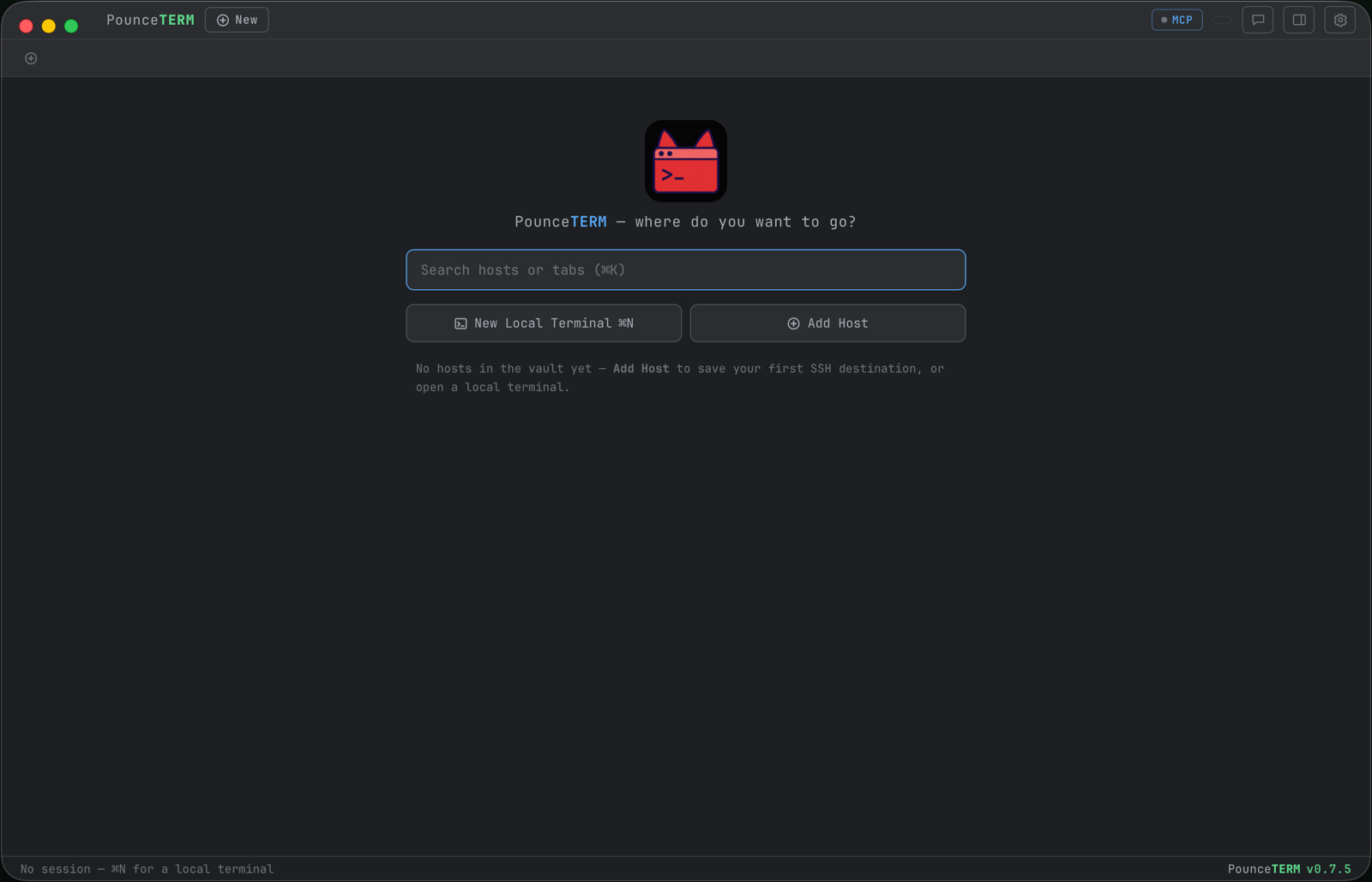
The macOS terminal built for agentic coding
Start Claude Code in any tab — even on a remote box. Pick a work or personal identity per tab. And keep one hard rule: reads are free, running asks you first.
brew tap pounceapps/tap && brew install --cask pounceterm
Native Wails app · notarized by Apple · no subscription, no accounts, no telemetry. Also on GitHub releases.
start claude --anywhere
Right-click any tab → Start Claude. Options for model, permissions, MCP connect — with a live preview of the exact command. On an SSH tab it runs on the remote host, and PounceTERM's tools reach back through an automatic reverse tunnel.
you hold the gate
Claude can read the screen and draft commands into your input line. Executing is different: it needs the per-tab AI-control toggle, off by default, that only a human can flip. In the chat, approvals are inline Allow/Deny cards; in a terminal, Claude's own prompt asks.
work + personal, side by side
Claude profiles are isolated logins — one email can hold a personal plan and Enterprise orgs, one profile per org. Different tabs run different identities at the same time, and the status bar always says which.
ls features/
Everything ships in the box. Every card links to the full story.
Start Claude anywhere
One click, any tab, local or remote — model, profile, permissions, MCP.
Claude profiles
Separate logins and orgs per tab. Same email, many organizations — no relogging.
AI-control gate
Suggest vs act is a hard, per-tab, human-only switch. Off by default.
Sidebar chat
Ask about the terminal you're looking at; approve tools inline; Markdown & Mermaid.
Remote MCP tunnel
Claude on your server reaches PounceTERM through an automatic SSH reverse forward.
Markdown preview
⌘-click the plan Claude just wrote — rendered with Mermaid, live-reloading, read-only.
Session Stats
Open time, output charts, process tree, and which Claude profile runs where.
Tabs, groups & splits
Color groups, tiled layouts, broadcast-to-group. A fleet of agents, organized.
SSH + encrypted vault
Hosts, identities, known keys — AES-256-GCM, key in your macOS Keychain.
Built-in SFTP
Dual-pane file browser with a Quick-Look-style viewer. Reuses the SSH connection.
Copy & path links
OSC 52 lands in your Mac clipboard; every real path underlines — ⌘-click, or right-click for the menu.
History you control
Delete a command everywhere it lives — ours and your shell's — or make a tab private.
Themes & every font
Phosphor to pastel, plus every monospace font installed on your Mac.
1Password sync
Push AI keys, theme, and fonts to a vault; pull them on your other Mac.
cat use-cases | head -3
Real workflows, played out in the simulator — see all five.
ship a fix while Claude runs the tests
You review; it types; running the suite still asks. The tab pings you when it's done.
two orgs, one email, zero relogging
Enterprise Claude on the work repo, personal Claude on the side project — different tabs.
babysit three agents in one group
A tiled color group, notifications when a background agent needs you, stats per tab.
which — works with your stack
screencapture — the real thing